

Everything that works today.
Not a roadmap — the current build. If it's listed here, you can open it in alpha 0.4 and use it.
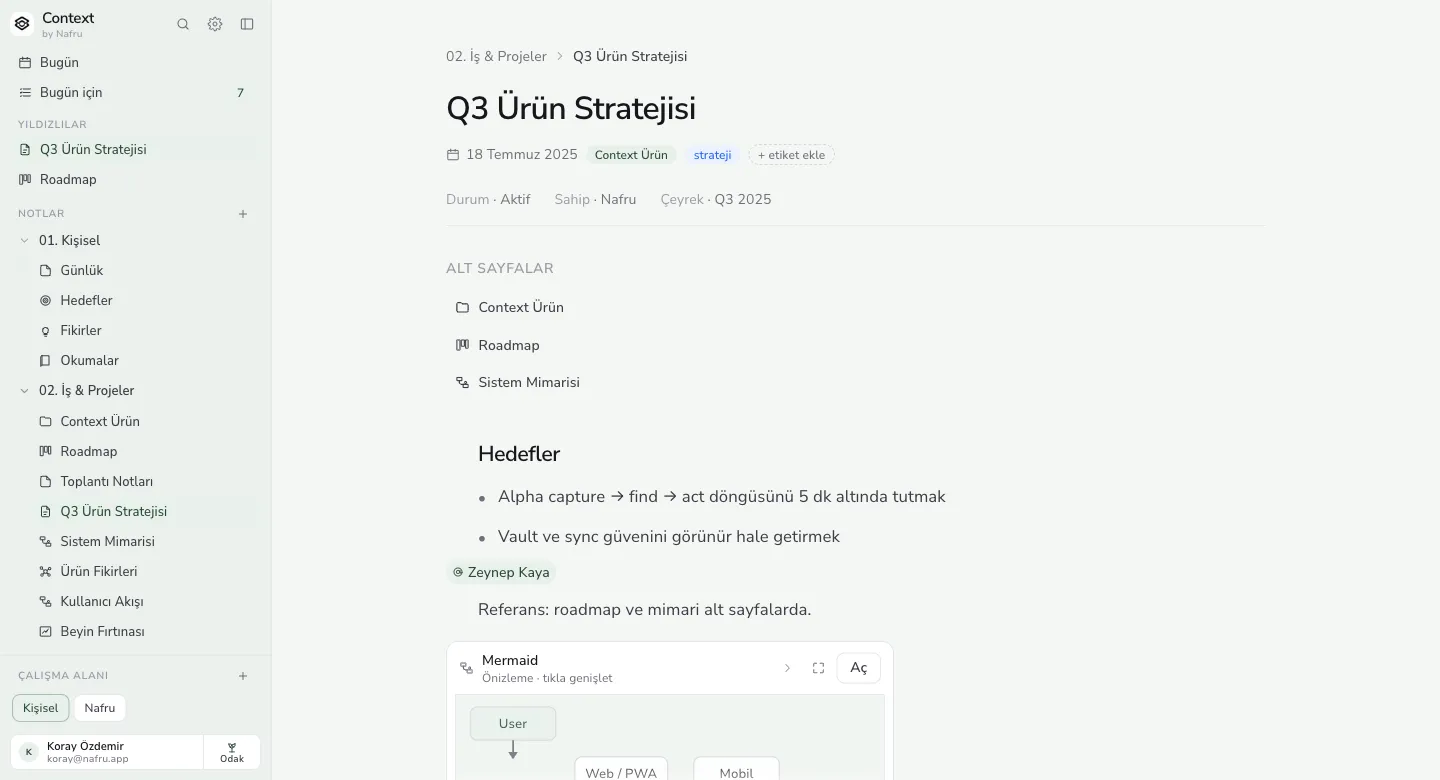
02. Work & projects›Q3 product strategy
Q3 product strategy
SUBPAGES
- Context Product
- Roadmap
- System architecture
Goals
- Keep the capture → find → act loop under five minutes
- Make vault and sync trust visible
WRITING
Notes live in a tree
Subpages, tags and starred items. Moving a note inside another is a drag; there is no distinction between a folder and a page.
A real editor
Headings, lists, tables, code blocks and Mermaid diagrams. Paste Markdown and it arrives as Markdown.
Version history
Roll a note back to an earlier state. The history stays on your device too.
TRACKING
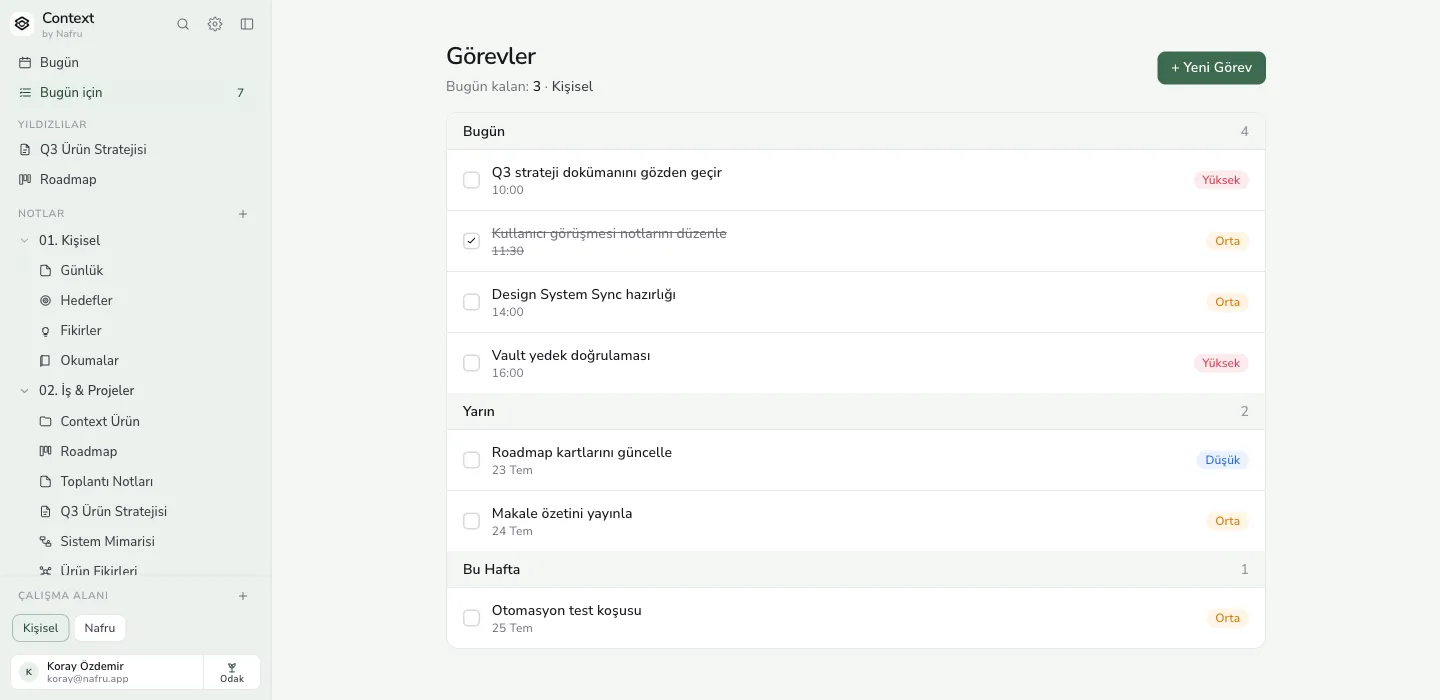
Tasks by date
Today, Tomorrow and This week come ready. Label the priority, move the date, tick it off without leaving the note.
The Today screen
Everything dated today — tasks and notes — in one list. It's where the day starts.
FINDING
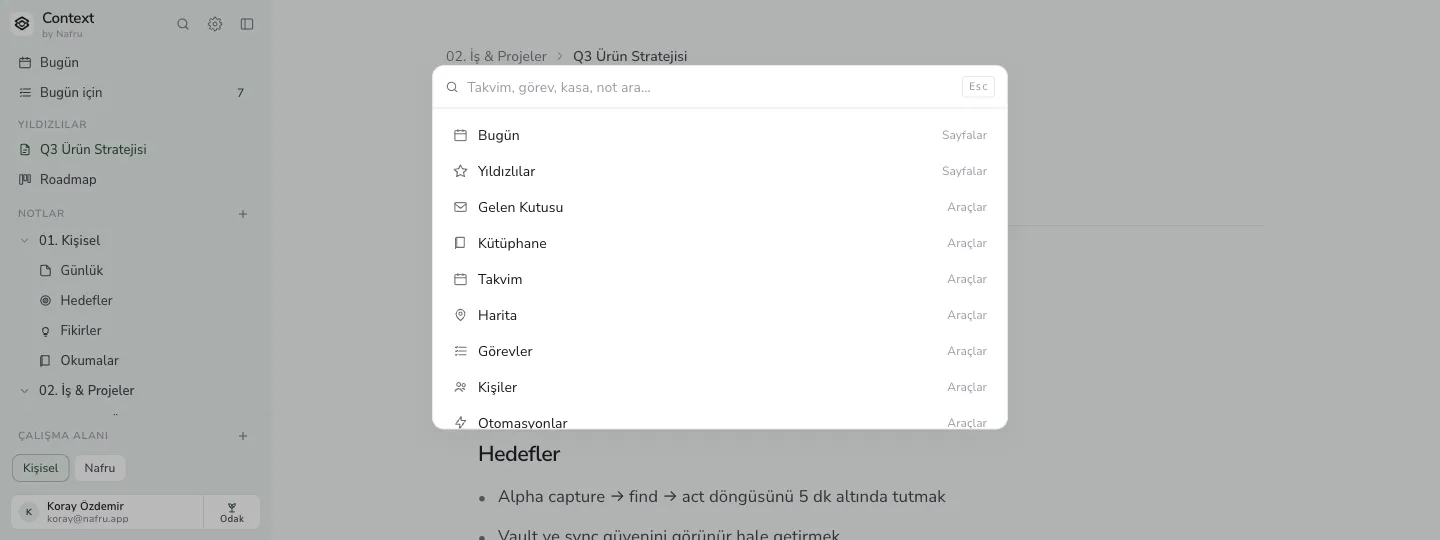
⌘K command palette
Pages, tools and vault records in the same search. Turkish search handles Turkish characters properly.
Optional AI
Off by default. Switched on, it names the note behind its answer, stays out of vault records, and uses the provider you choose.
KEEPING
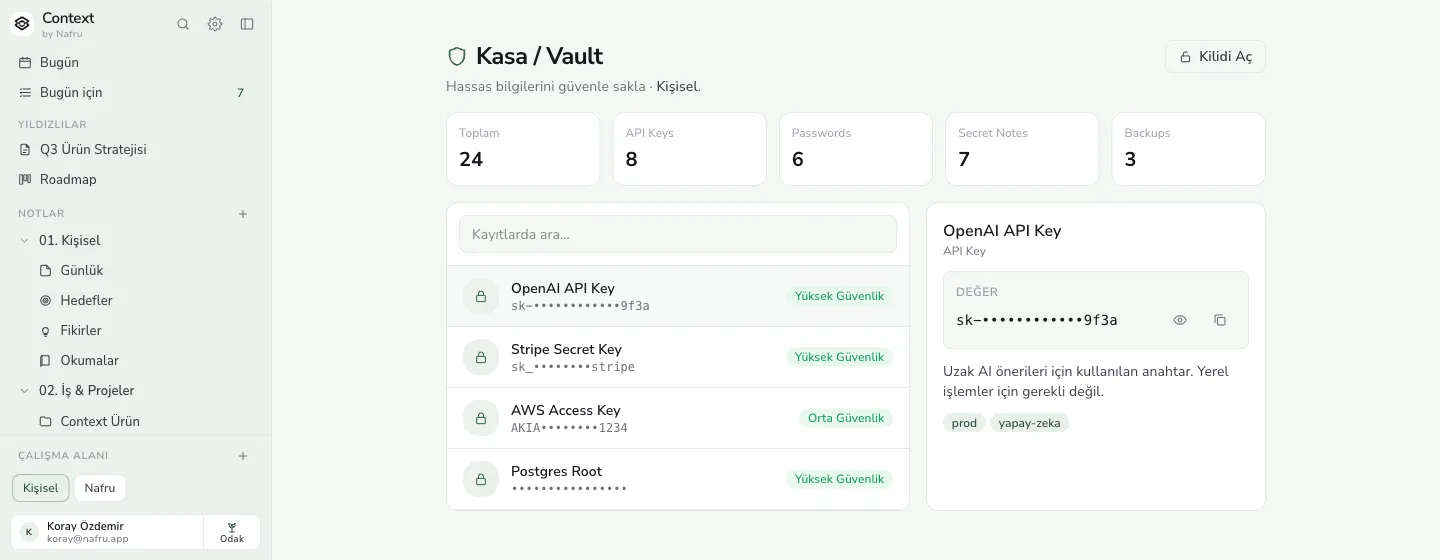
Encrypted vault
API keys and passwords stay masked — in the list as well as the detail view. Revealing one is something you do.
Reader and PDFs
Open long text in reading mode and annotate PDFs. Your notes stay next to the file.
Library, archive, trash
Anything imported lands in the library, and import quality gets its own report. Archive and trash are separate; deleting takes more than one step.
PROTECTING
Nightly local backup
A snapshot every night, a visible restore history, and a recovery path onto a clean device.
Markdown export
Take the workspace out as Markdown. During an alpha that isn't a feature, it's insurance.
Sync — off by default
Turning it on is your call. Once on, settings show which workspace is being synced.
APPEARANCE
Six themes, three fonts
Ink, Forest, Ocean, Sand, Rose and Violet; light, dark or system. The same system as the rail on this site.
Security
We write down what's missing too.
What we can't do matters as much as what we can. The full list of limits is on the security page.
SCREENSHOTS
The app itself.
The previews above repaint with whatever theme you pick. These are the product's actual screenshots — how it looks today, in alpha 0.4.
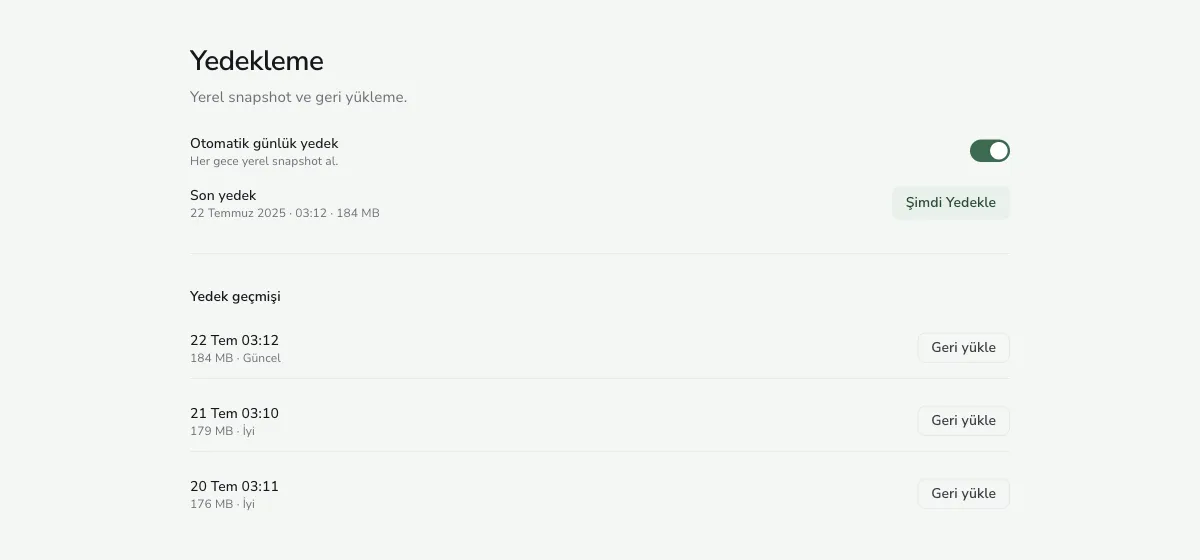
Captured in the Forest theme. In the app, the theme is your choice.
Open a workspace and see for yourself.
No sign-up, no card. The web version runs in your browser; if it isn't for you, close the tab.